Quick Answer: The core ClickUp automation benefits are: hours saved every week by removing manual status updates and task reassignments, fewer errors from human handoffs, one connected workspace instead of scattered tools, AI-powered routing via ClickUp Brain, and scalability — handling more work without adding headcount in proportion.
If you’re evaluating whether automation is worth building into your workspace—especially as a GCC-based team balancing English and Arabic operations, local compliance, and rapid national digital-transformation targets—this guide breaks down exactly what changes, backed by real numbers from teams already using it, and where a certified regional partner like Dtech fits in if you want the setup done right the first time.
Core ClickUp Automation Benefits Every Growing Team Should Know
Here’s what consistently shows up once a team moves from manual task management to a rules-based (and increasingly AI-assisted) workflow.
1. Real, Measurable Time Savings
This is the most quoted of all ClickUp automation benefits, and for good reason. Teams that automate recurring tasks, status updates, and notifications routinely report reclaiming several hours per person, per week — time that used to disappear into status meetings, manual reassignments, and repeated data entry. Multiplied across a team, that adds up to hundreds of hours a year that go back into actual output instead of coordination overhead.
2. Fewer Manual Errors
Every manual handoff is a chance for something to be forgotten, mistyped, or missed entirely. Automating status changes, assignments, and recurring tasks removes that human error risk from routine processes, so the same task gets handled the same correct way every single time — a quieter but no less important win.
3. One Workspace Instead of Tool Sprawl
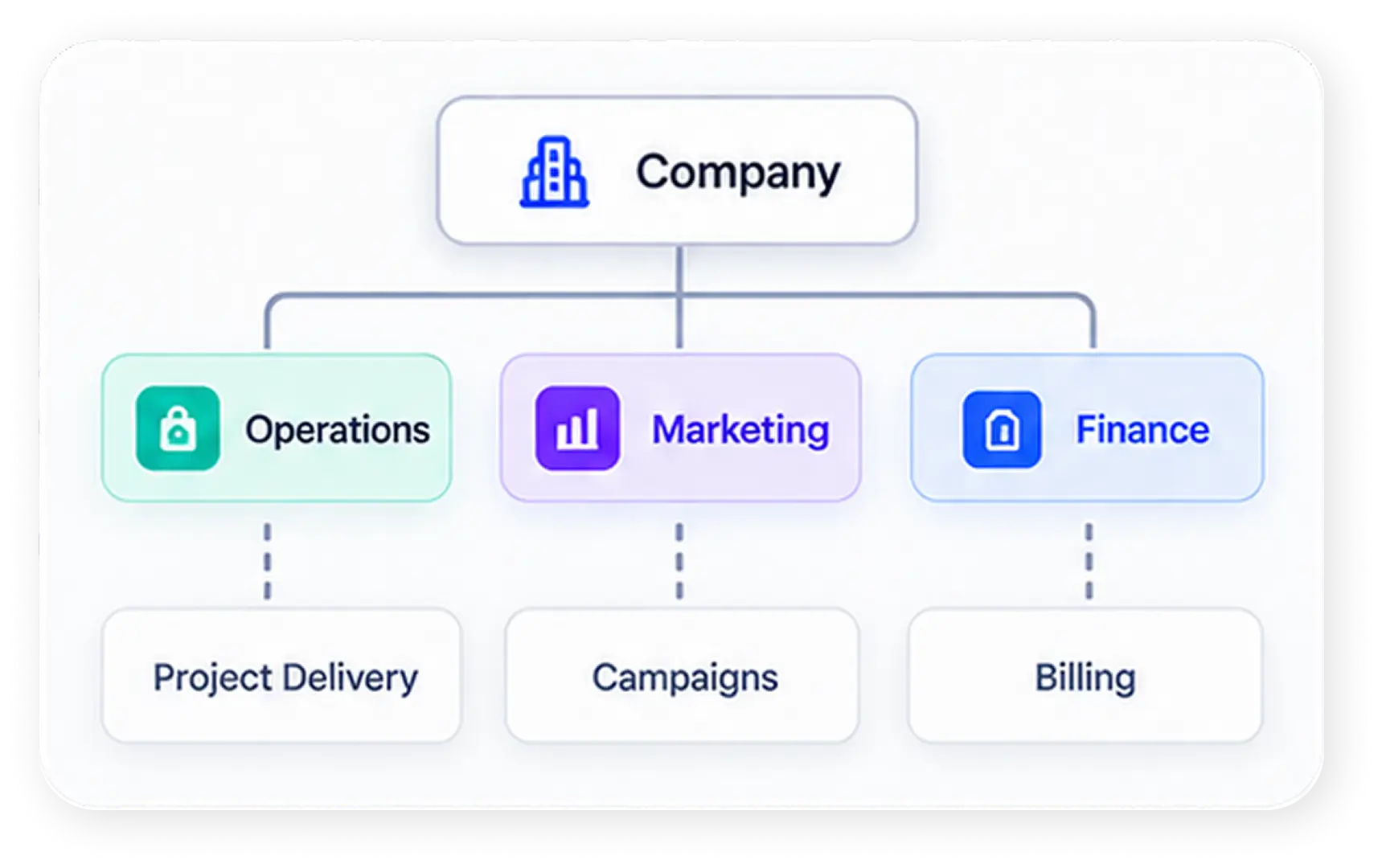
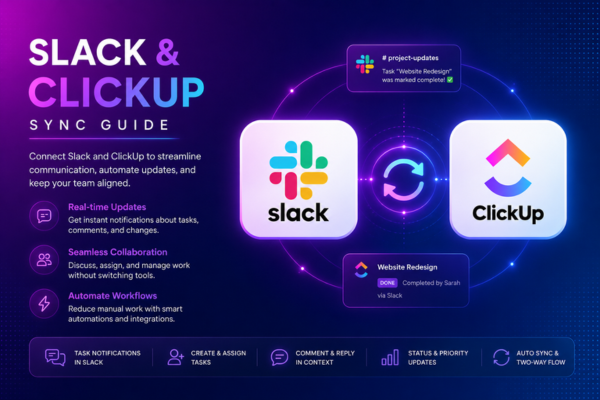
Automations are only as reliable as the data behind them. When work is scattered across a dozen disconnected apps, automated workflows depend on fragile third-party middleware that breaks the moment one tool changes. Because ClickUp centralizes tasks, docs, chat, and dashboards in one place, automations can trigger reliably across the entire workspace — a structural advantage that compounds every other benefit on this list.
4. AI-Powered Automation with ClickUp Brain
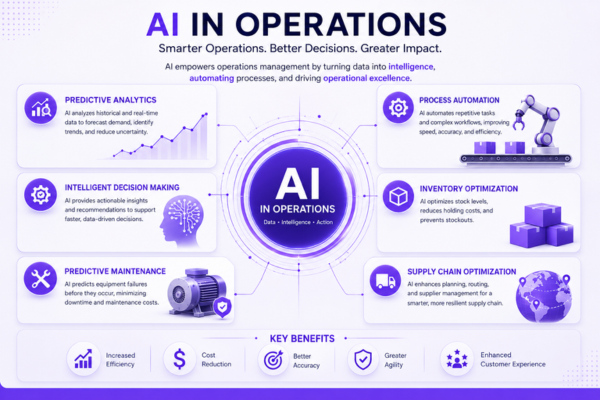
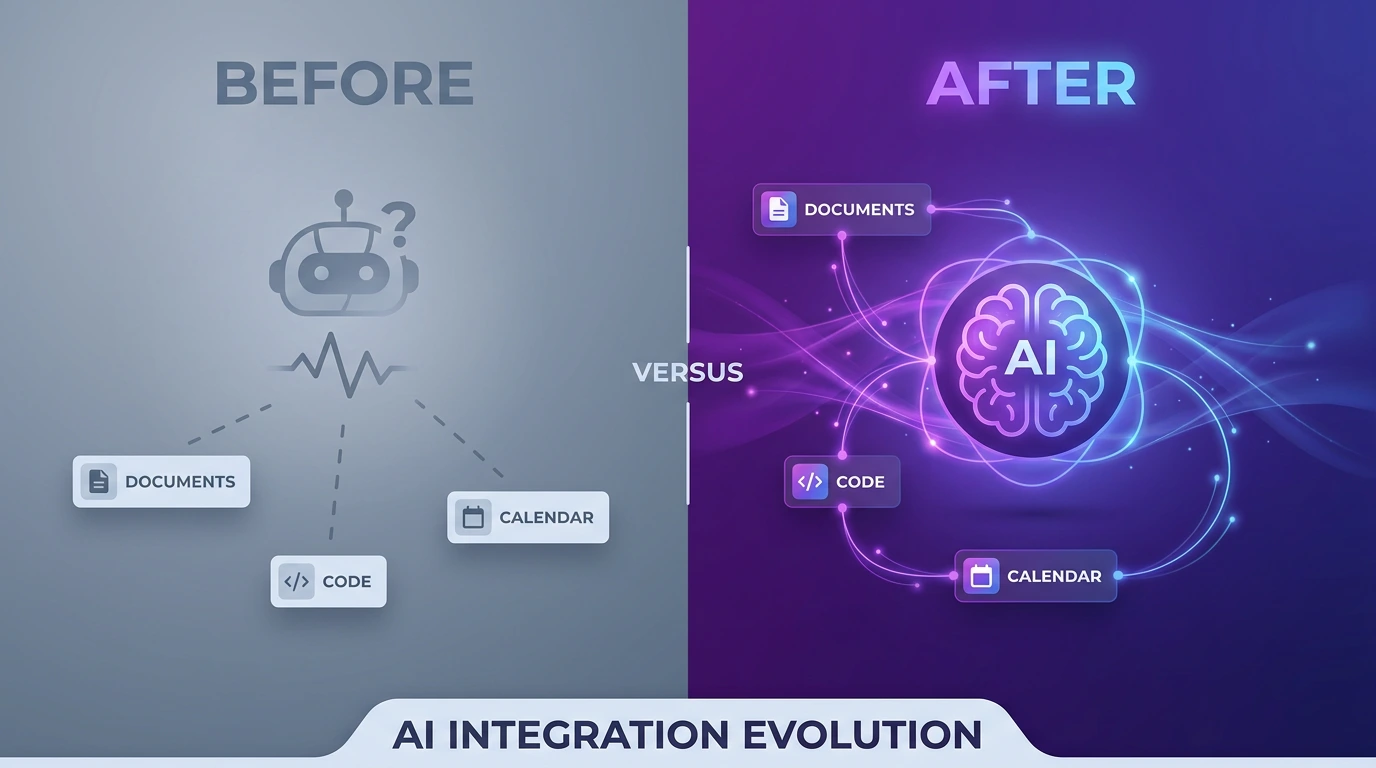
Traditional if-this-then-that rules break the moment a scenario doesn’t exactly match the logic. ClickUp Brain adds a reasoning layer on top of standard automations, so tasks can be routed, prioritized, and summarized based on actual context — not just rigid conditions. This is one of the newest gains and arguably the most future-proof: as AI agents mature inside the platform, they can monitor progress, flag risks, and nudge owners before deadlines slip, all without a human writing a new rule for every edge case.
5. Faster Onboarding, Approvals, and Handoffs
Recruitment, vendor onboarding, campaign intake, sprint handoffs — anywhere a form submission should trigger a checklist, a template, and an assignment, automation removes the bottleneck. Teams that automate these processes report cutting onboarding cycles from weeks to days, simply by letting the workspace apply templates and route approvals automatically instead of waiting on a person to notice and act.
6. Multiple Views That Stay in Sync
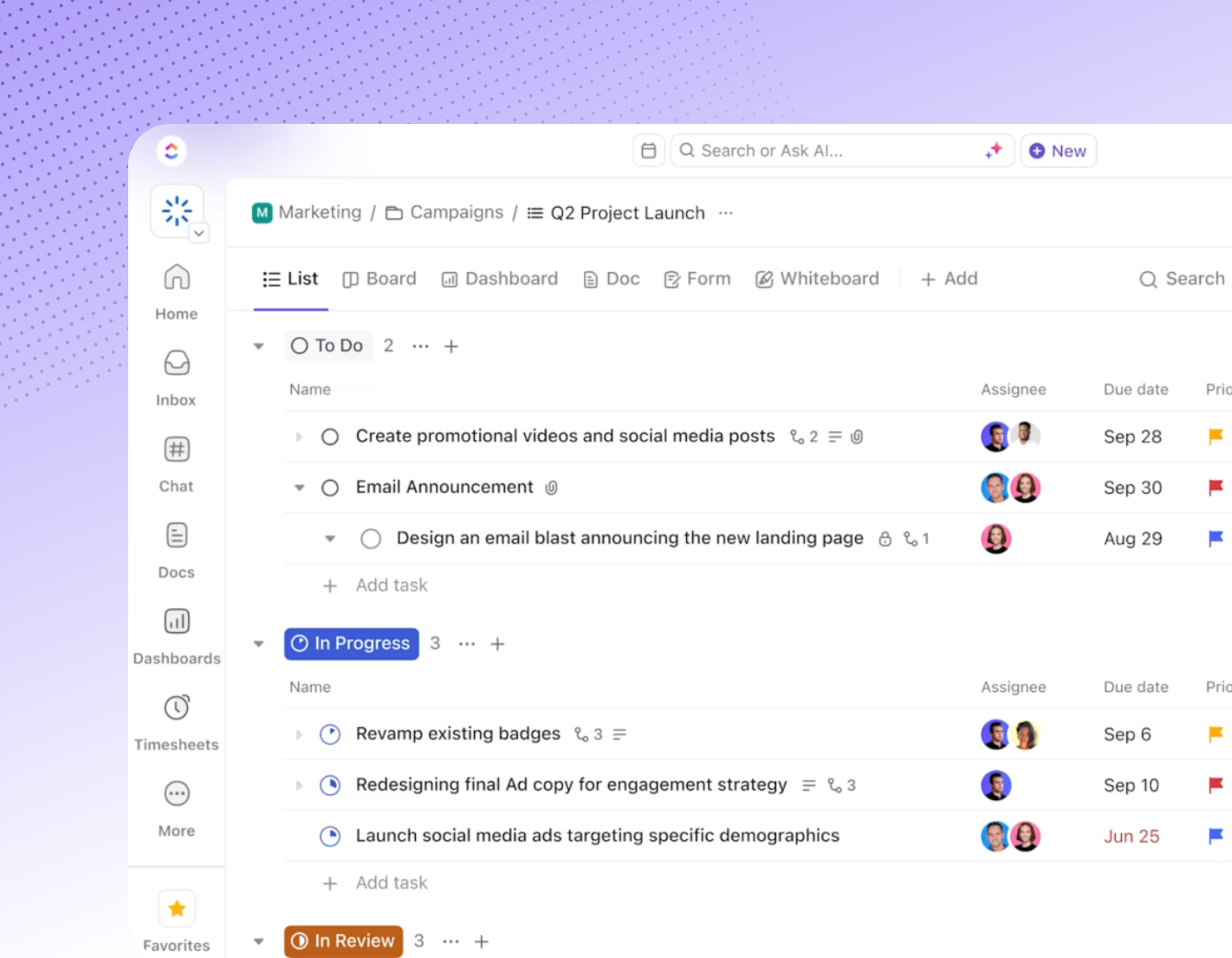
Different roles work differently — a manager wants a list, a designer wants a board, an executive wants a dashboard. Because every ClickUp view pulls from the same underlying task data, one automated status change updates the list, the board, and the dashboard simultaneously. No one has to manually notify the next team; this synchronization is one of the more underrated wins for cross-functional teams.
7. Scalability Without Proportional Headcount Growth
Coordination overhead grows faster than headcount. A ten-person team can manage projects through sheer effort; a hundred-person team cannot. Automation lets a growing organization absorb more volume — more clients, more vendors, more requests — without adding a person for every new unit of coordination work. This scalability is consistently cited as one of the most business-critical reasons to automate for companies past their early growth stage.
8. Governance and Security That Scales With You
Growth also introduces risk: an untrained new hire triggering a bulk export or an automation firing without the right approval. Role-based permissions, single sign-on, and two-factor authentication let sensitive automations run only when triggered by an authorized role, so high-stakes actions still require human sign-off. It’s a less glamorous entry on the list, but for regulated or client-facing teams, it’s often the deciding factor.
Why GCC Businesses Are Leading the ClickUp Automation Curve
Automation adoption isn’t happening in a vacuum across Saudi Arabia, the UAE, and the wider GCC — it’s happening alongside some of the world’s most aggressive digital-transformation mandates. A few reasons the region is moving faster than most:
- Vision 2030 and SDAIA alignment. Saudi Arabia’s national transformation agenda pushes both government and private-sector organizations toward measurable digitization and AI adoption. Automated, auditable workflows in ClickUp map directly onto that requirement — every trigger, action, and approval leaves a clear record.
- Bilingual operations are the norm, not the exception. Most GCC organizations run English and Arabic side by side across the same workflow — a sales team in Riyadh, an ops hub in Dubai, a support desk in Cairo. Automations that route tasks, notify stakeholders, and update dashboards work identically regardless of the language a task is written in, so nothing gets lost in translation between departments.
- Regional compliance and data residency. Enterprise and government-adjacent organizations across the GCC increasingly need role-based access, audit trails, and controlled approvals baked into automated processes — not bolted on afterward. ClickUp’s permission-aware automation engine supports exactly this kind of governance.
- Fast-scaling sectors need it most. Aviation, energy, healthcare, finance, and giga-project delivery — all major GCC growth sectors — depend on coordinating large, cross-functional teams where a single missed handoff is expensive. Automation is what lets these organizations absorb that scale without a proportional increase in coordination staff.
How to Unlock ClickUp Automation Benefits with Dtech
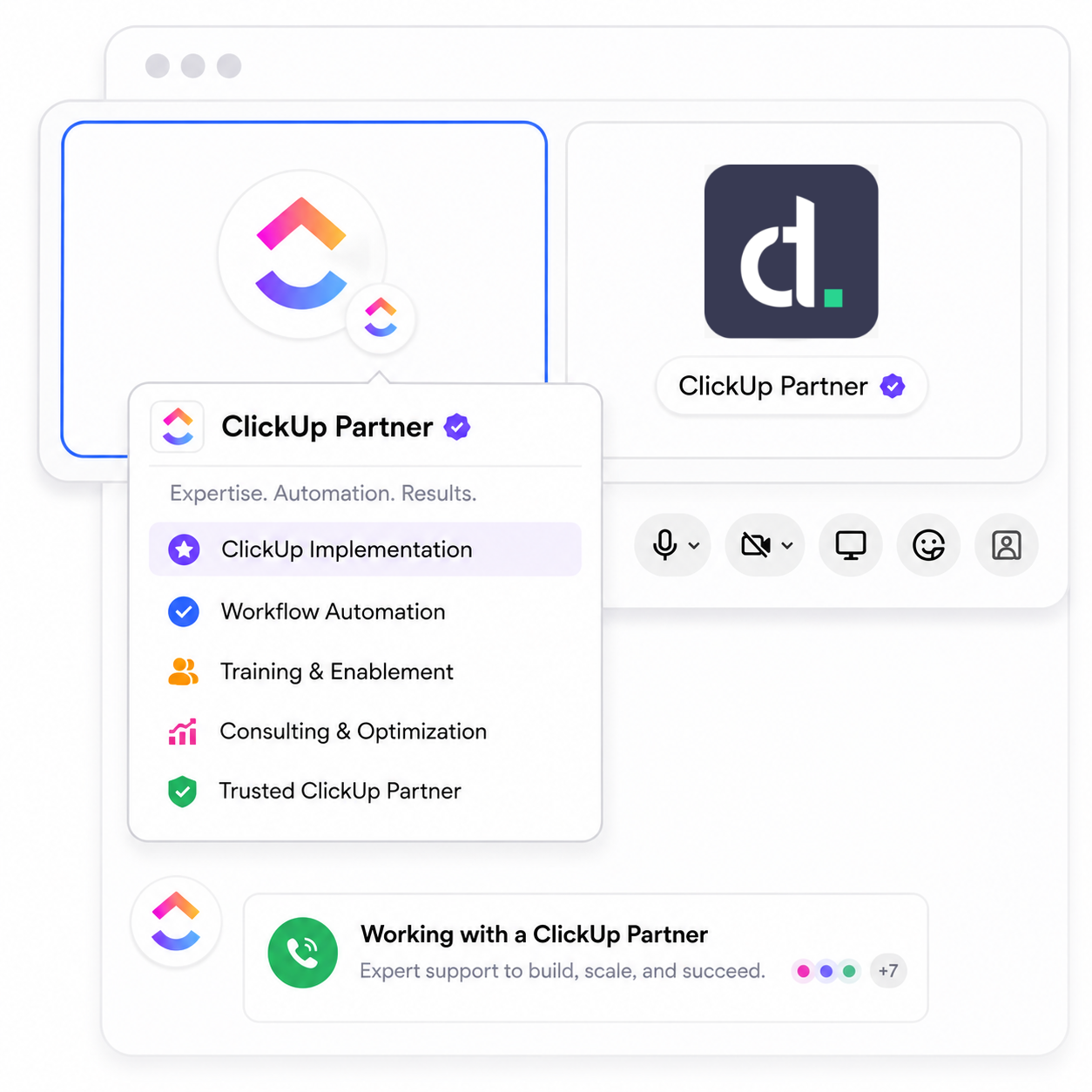
Here’s the part most “12 benefits” articles skip: the benefits above only show up if the automation is set up correctly and the team actually uses it. A workspace with automations nobody trusts is just a more expensive to-do list. This is exactly the gap Dtech Systems, a Diamond ClickUp and Anthropic partner based in Riyadh and London and serving teams across Saudi Arabia, the UAE, and the wider GCC, was built to close.
Why Dtech, Not a Self-Serve Setup
Anyone can buy a ClickUp licence in five minutes on a credit card, in English, billed on a US or European card. Getting a GCC team to actually change how it works — across languages, time zones, and local compliance expectations — is the hard part, and it’s where most in-house or self-serve rollouts stall. Dtech doesn’t just configure software; it maps your real processes first, then builds the automation logic around how your business actually runs in this region, not a generic template built for a different market.
What partnering with Dtech adds on top of the platform itself:
- Senior-led change management — consultants rebuild your real workflows live, on your actual work, not a demo environment.
- A named delivery team across Riyadh and London who knows your account and your region, rather than a generic support ticket queue.
- Native bilingual delivery in English and Arabic, so nothing gets lost between the platform and your people — critical for GCC organizations running mixed-language teams.
- Local invoicing in Saudi Arabia and the UK, priced in your region, instead of a USD card charge with no local presence.
- Vision 2030 / SDAIA-aware implementation for Saudi enterprise and government-adjacent clients who need digitization efforts to map cleanly onto national transformation targets.
- One free adoption hour per license held through Dtech—Dtech is measured on whether your team actually adopts the workflow, not just whether the license was sold.
Frequently Asked Questions (FAQs)
What Are ClickUp Automation Benefits, Exactly?
ClickUp Automations run on "when this happens, do that" logic: a trigger (a form submission, a status change, a due date, a new comment) fires an action (assign a task, change a status, notify a channel, apply a template). No code required — just a visual rule builder.
What Are ClickUp Automation Benefits, Exactly?
Yes, Even a lean team benefits, because automation removes the coordination overhead that hits small teams disproportionately hard: fewer people means each manual task-status update or reminder eats a bigger share of everyone's day. Setting up automation early also builds habits that scale cleanly as the team grows, rather than retrofitting structure onto chaos later — the ClickUp automation benefits compound the earlier you start.
Is ClickUp automation actually worth it for a small team?
Community answers and case studies vary, but the consistent range reported by teams that automate recurring tasks, approvals, and status updates is several hours saved per person, per week — often five or more. Over a year, that's the equivalent of multiple extra work-weeks per employee, freed up simply by removing manual, repetitive coordination from the workflow.