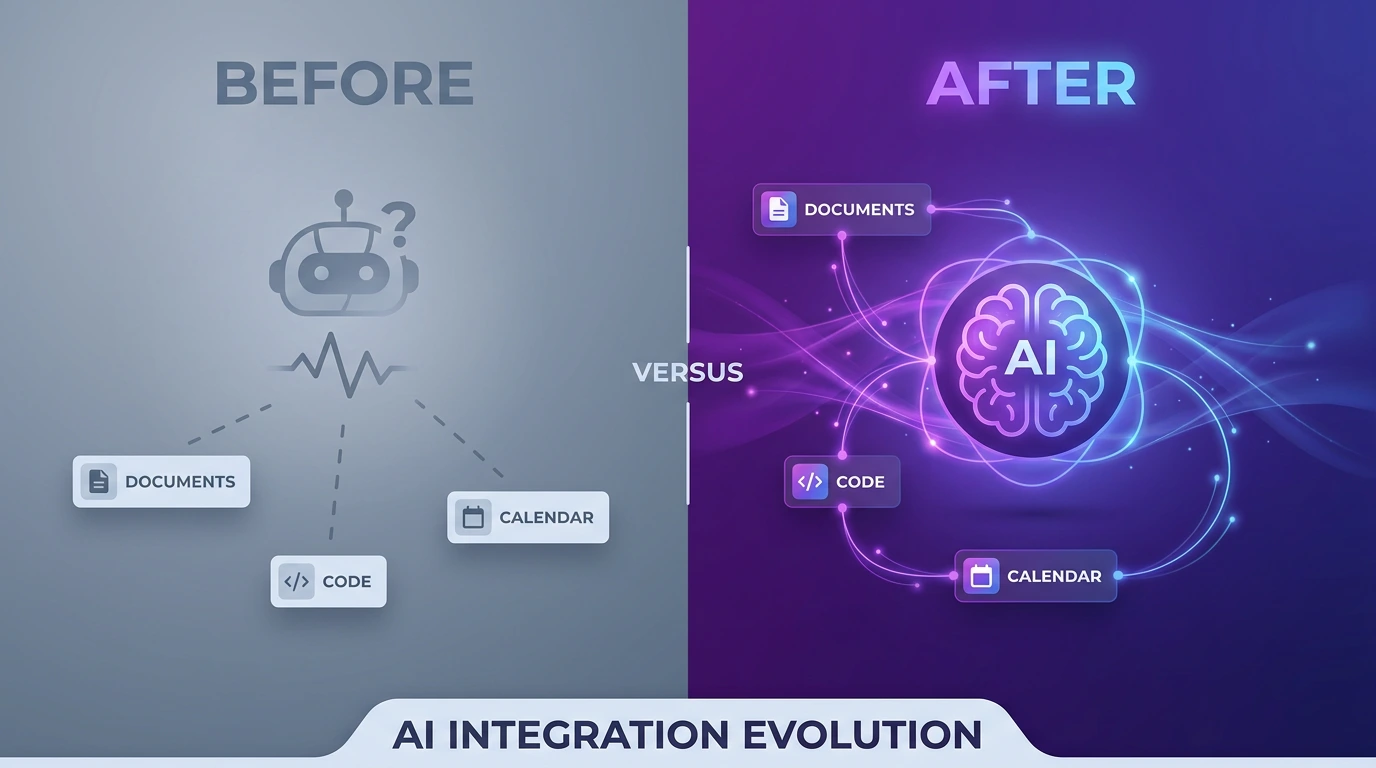
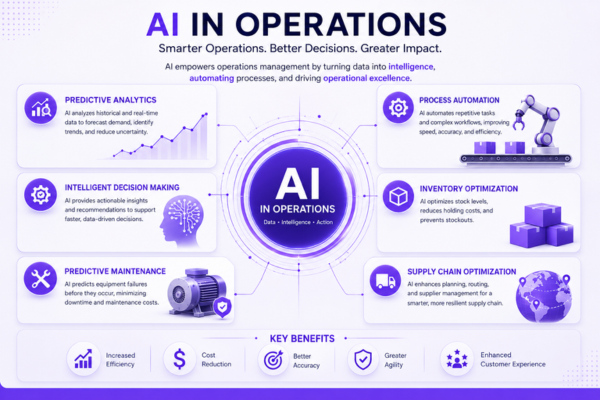
Quick Answer: AI and operations only work together when the operational foundation — documented processes, one connected data source, and daily-use habits—is built first and the AI is layered on second. Most companies do it backwards: they buy an AI tool, bolt it onto messy operations, and wonder why nothing changes.
What Does “AI and Operations” Actually Mean?
Treating AI and operations as one problem — not two — means the technology decision and the process decision get made together. A single source of truth for tasks and data, workflows that are mapped and standardized instead of held in people’s heads, and a team trained to use AI inside its existing tools rather than as a bolt-on app: these three things have to exist before an AI rollout has anything solid to run on. Skip them, and AI just makes existing chaos move faster.
Why AI and Operations Fail When Treated Separately
The gap isn’t usually the AI model — it’s daily habits. Teams get a shiny dashboard, leadership announces an “AI initiative,” and months later people return to WhatsApp threads and spreadsheets because the tool was never built around how work actually happens.
A few numbers show the scale:
- Teams spend roughly 60% of their time on “work about work”, such as coordinating, searching, and switching between tools, according to Asana’s Anatomy of Work Index. Asana
- 12% of U.S. employees reported using AI daily at work in Gallup’s Q4 2025 survey. Gallup
- 70% of digital transformation initiatives fall short of their objectives, according to Boston Consulting Group’s research. BCG
- MIT NANDA found a major gap between AI experimentation and successful implementation: only about 5% of organizations successfully implement the task-specific GenAI systems they evaluate. MIT NANDA
The 5-Step Framework for Aligning AI and Operations
Getting AI and operations right is a sequencing problem, not a shopping problem. The order matters more than the tool you pick.
Step 1: Map the Process Before You Automate It
Document how work actually moves today — who touches a task, where it stalls, and what decisions get made along the way. Automating a broken process just makes the mess move faster.
Step 2: Consolidate Data Into One Workspace
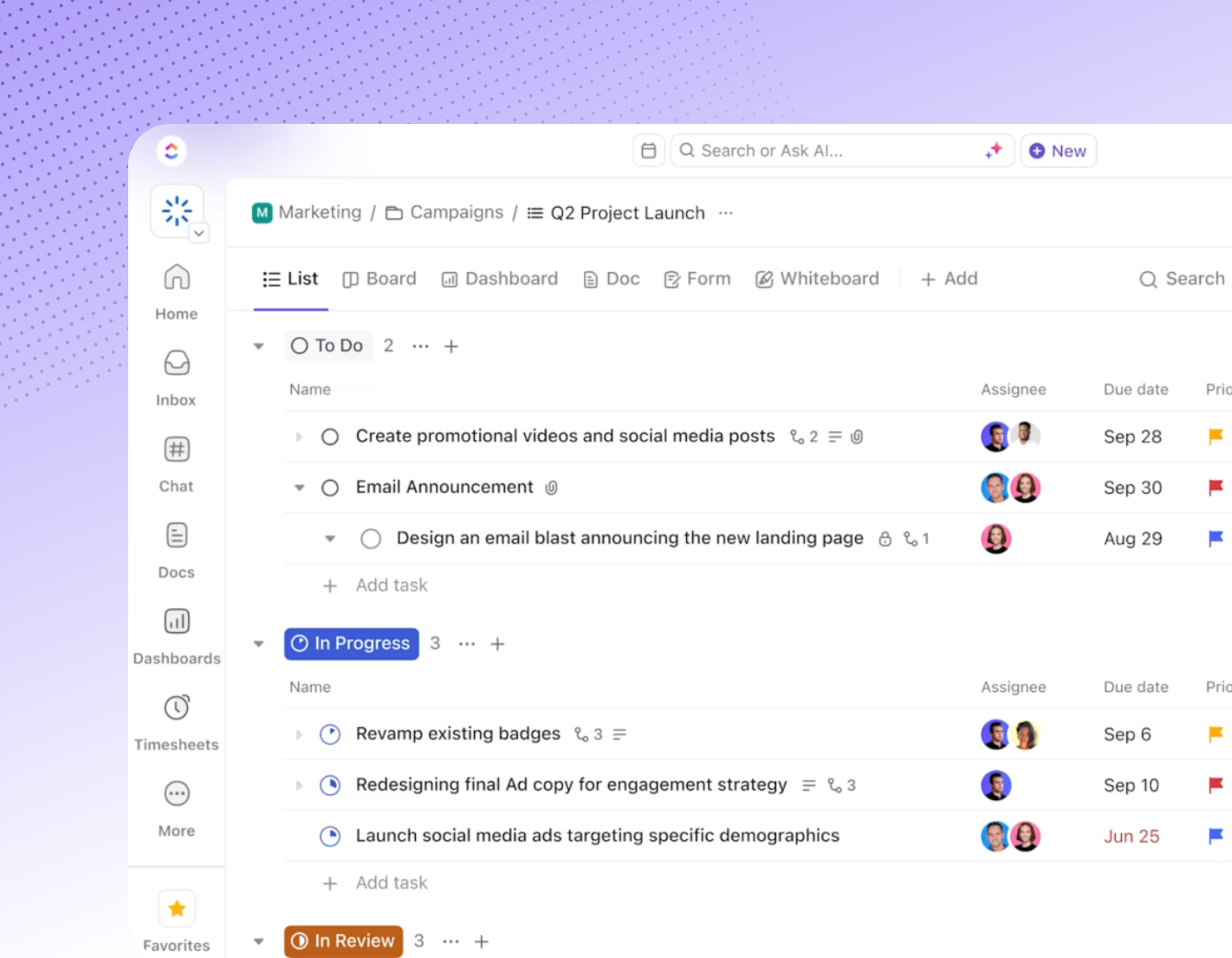
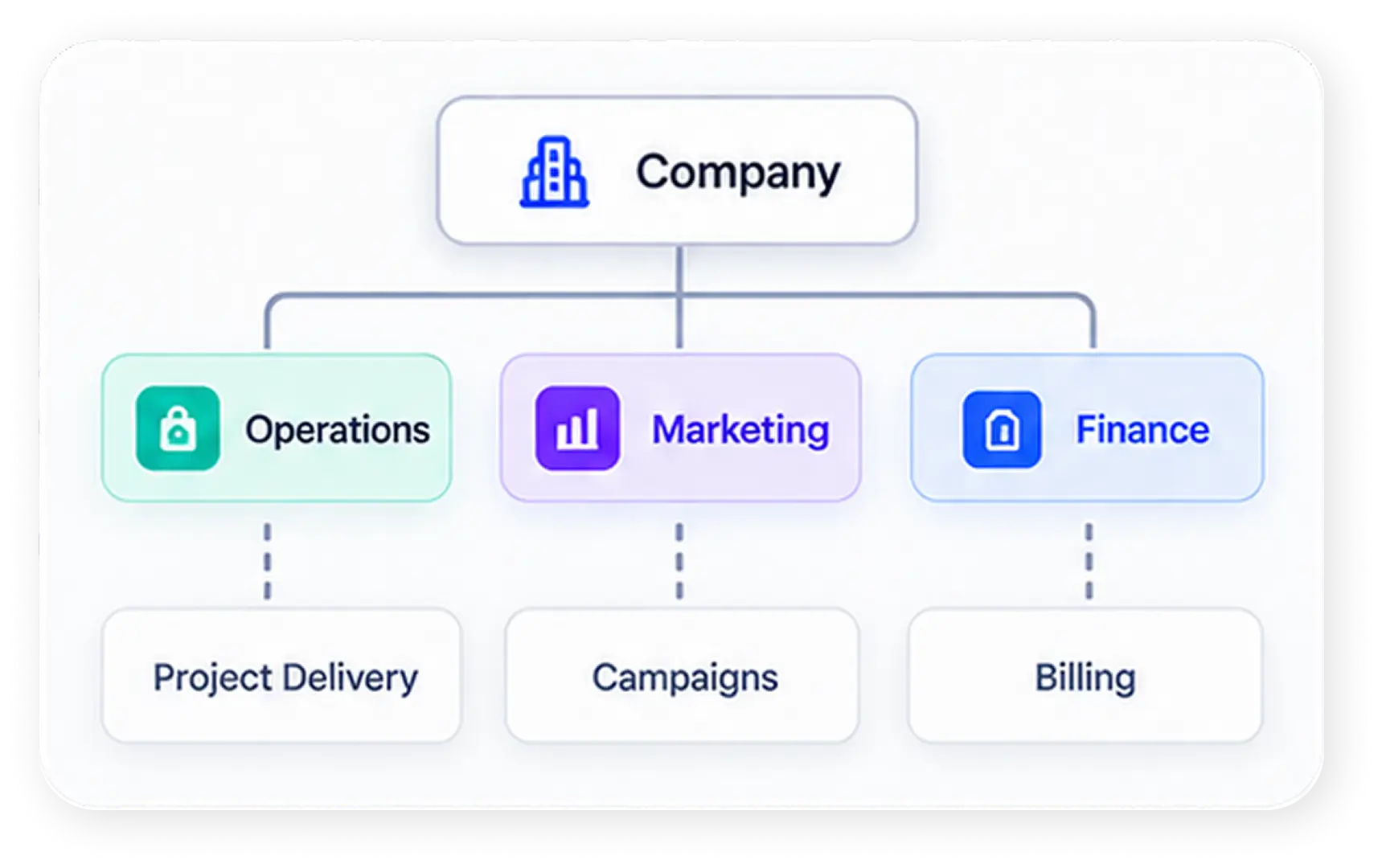
AI is only as useful as the context it can see. If tasks live in one app, docs in another, and conversations in a third, no model — however capable — can reason across the full picture. A single connected workspace is what turns AI from a chatbot into an operational assistant.
Step 3: Build the Automations Around Real Bottlenecks
Start with the busywork that eats the most hours — routing requests, tagging, status updates, first-draft summaries — rather than the flashiest possible use case.
Step 4: Train People Inside Their Actual Work
Generic AI training doesn’t stick. Adoption happens when people are coached on their own live tasks, in the tool they already open every day, until the new way becomes the default way.
Step 5: Turn AI and Operations Into a Daily Habit, Not a Launch Event
The final step is support, not launch. Habits decay without reinforcement — someone needs to keep tuning automations, answering questions, and fixing small breakages after rollout, or teams drift back to old habits within a quarter.
How Dtech Brings AI and Operations Together
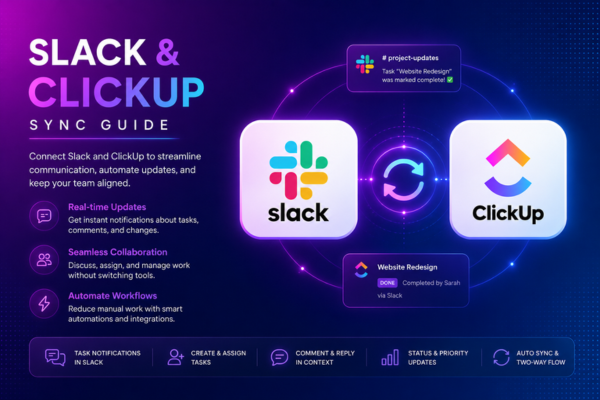
Dtech is a Diamond ClickUp and Anthropic partner operating out of Riyadh and London, and this five-step sequence is essentially how the firm works. Rather than selling a license and leaving, Dtech starts with process mapping and consulting — refining workflows, hierarchy, and KPIs — before touching any configuration, so automation doesn’t just speed up existing inefficiency. It then builds the technical workspace in ClickUp, wires in Claude so the AI reasons from a company’s own tasks, docs, and decisions instead of the public internet, and runs live adoption coaching until the new workflow becomes habit rather than another ignored login. Support continues after go-live, with on-demand fixes and small builds as the operation evolves.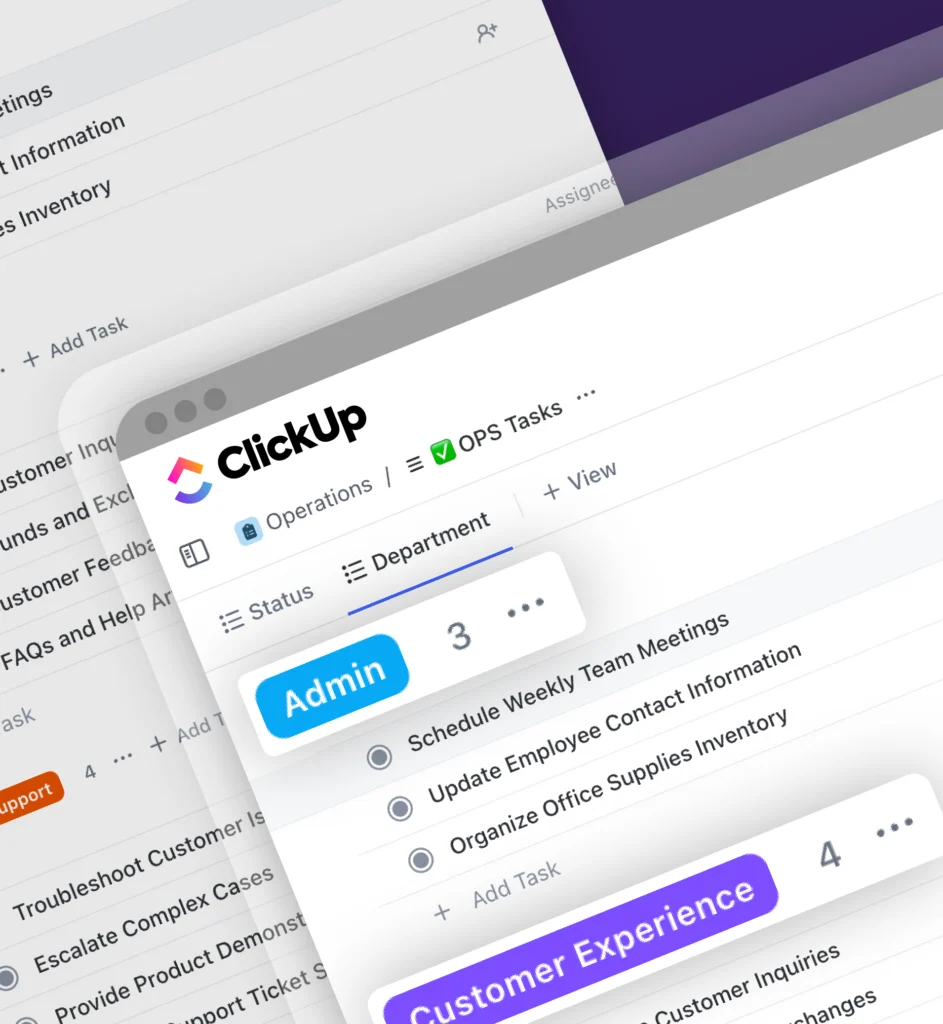
The firm backs this with 200+ delivered projects, more than 13 years operating, a 4.8 rating on Clutch, and native bilingual delivery in English and Arabic — serving organizations from ten-person startups to enterprise rollouts aligned with Saudi Arabia’s SDAIA and Vision 2030 initiatives. The core argument mirrors the data above: buying an AI license is easy; landing it inside daily operations is the actual work, and that’s where most transformation efforts — and most attempts to connect AI and operations — get it wrong.