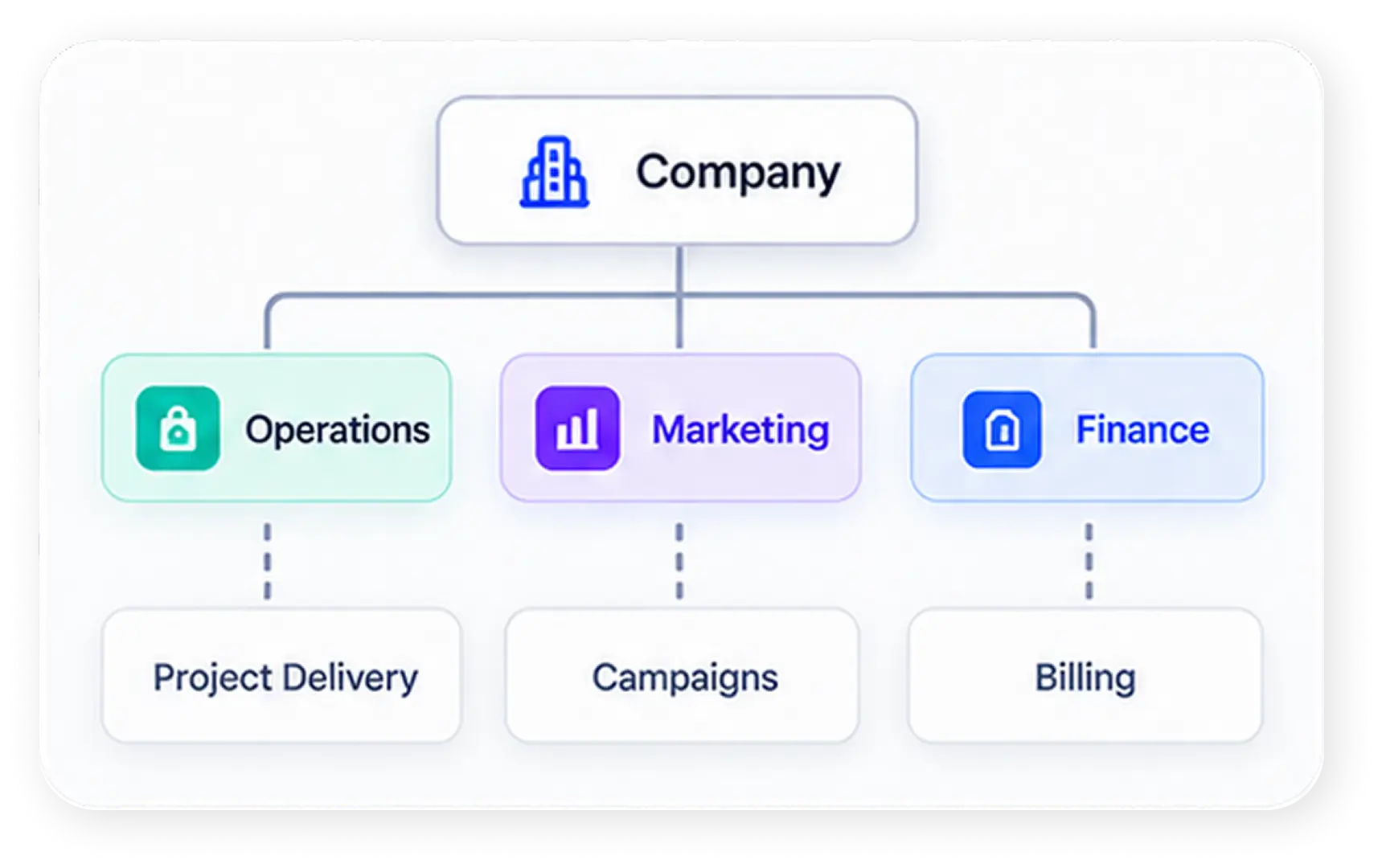
The Real Problem Isn’t the AI tool—it’s the workflow
Quick answer: Adding more AI tools to a broken process doesn’t fix the process—it just automates the chaos faster. Only about 5% of enterprise AI pilots actually succeed, not because the tools were weak, but because the workflows underneath them were never fixed first. The companies that get real ROI from AI redesign the workflow first, then implement the AI tools inside it, and then train people until the new process becomes a habit—not just another login nobody uses.
Why Buying More AI Tools Doesn’t Solve the Problem
Most teams treat AI like a shortcut: install the tool, and hope productivity follows. In practice, stacking new AI tools on top of a disorganized process just adds another tab, another login, and another place for work to get lost. The tools are sitting there. The habits never changed.
This is the gap between owning AI tools and operating on AI-tools. A license doesn’t rebuild a workflow. A person still has to map how work actually moves—who does what, in what order, with what context—before any AI tool can meaningfully speed it up.
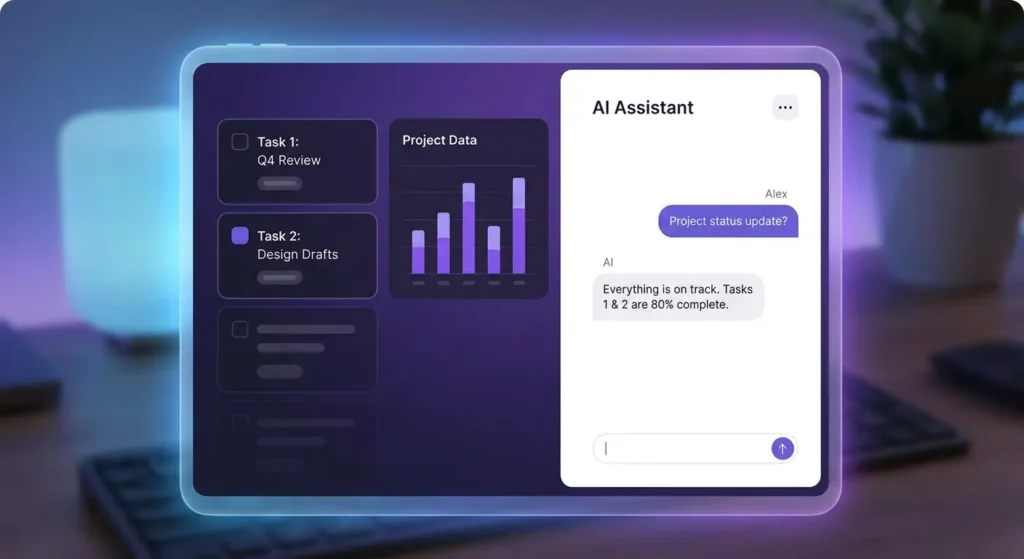
The Real Problem Isn’t the AI Tools—It’s the Workflow Underneath Them
Before you evaluate another vendor, look at what’s actually slowing your team down. Teams routinely lose a majority of their time switching, searching, and syncing across disconnected tools—email in one place, tasks in another, docs in a third, and AI tools in a fourth. Every switch is a small tax. Multiply that across a team of 20, 50, or 500 people, and the tax becomes the biggest line item nobody’s tracking.
Tool Sprawl Quietly Kills the ROI of AI Tools
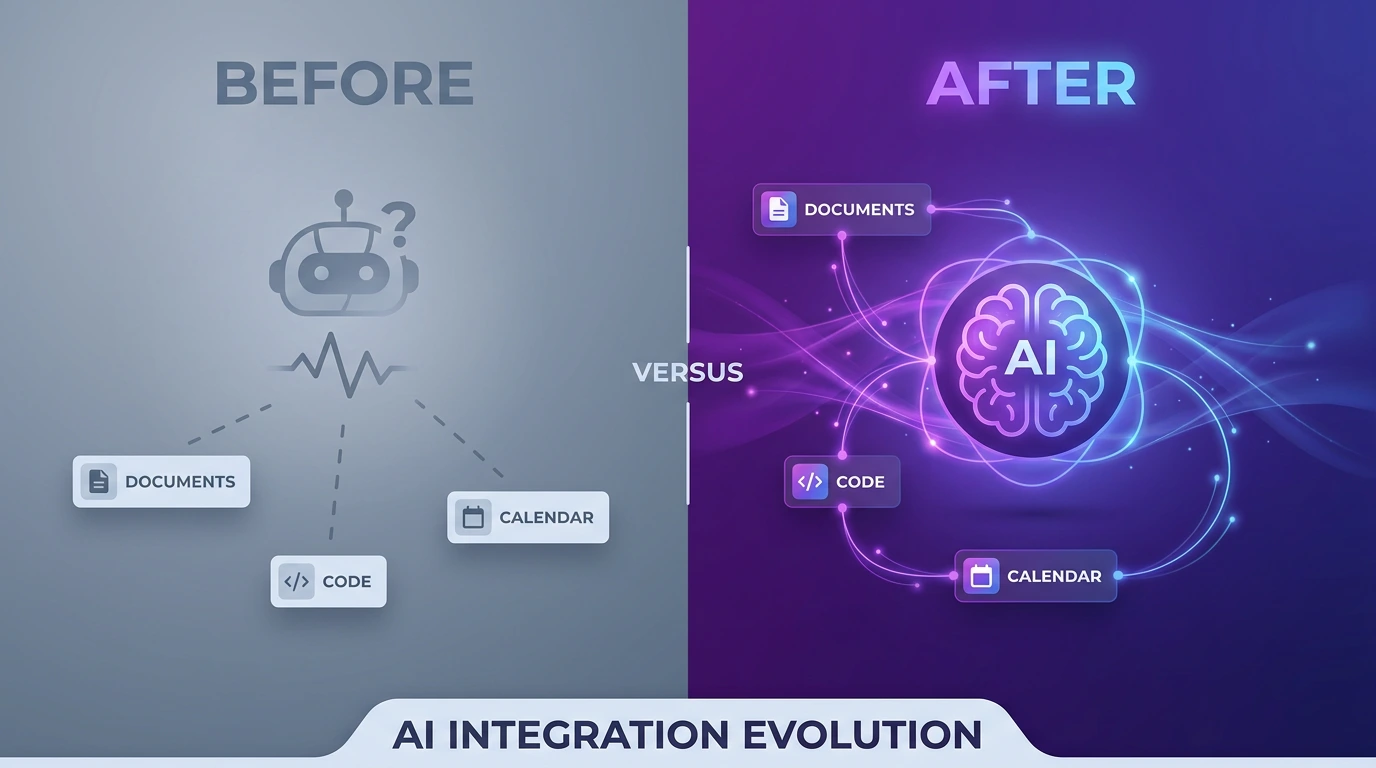
The more disconnected systems a team runs, the less any single AI tool can “see.” An AI assistant that only has access to one tool’s slice of the picture—a task list without the docs, a chat thread without the deadline — gives half-answers. It’s not the model that’s underperforming. It’s the fragmented data the model is working from.
Adoption Fails Before the Tool Does
Dashboards get built. AI get bolted on. Six months later, leadership stops trusting the reports, and the team quietly slips back to spreadsheets and WhatsApp. This is the single most common failure pattern with AI tools in the enterprise: the rollout, not the technology.
Reports on artificial intelligence in the Gulf Cooperation Council (GCC) in 2026 show that formal AI adoption and policy support have risen to 84%, yet around 70% of enterprise AI initiatives still fail to scale or deliver measurable financial returns.
For enterprise teams managing multiple workstreams, this isn’t minor friction. It’s the difference between AI that saves time and AI that creates more work.
How to Fix Workflows Before Adding More AI Tools
If your organization already owns several AI tools and isn’t seeing the payoff, the fix isn’t a new subscription. It’s a sequence:
- Map the real process—not the org-chart version, the version people actually follow, exceptions included.
- Consolidate the workspace—get tasks, docs, chat, and reporting into one place so AI tools have full context instead of fragments.
- Wire in AI tools with context, not in isolation—connect AI to real tasks and decisions so they draft, summarize, and route work grounded in what’s actually happening, not the open internet.
- Train the habit, not just the login—live coaching on real work until the new process sticks, because a workspace nobody trusts is just another tab.
- Support it after launch—workflows drift; someone needs to keep tuning the process and the AI tools inside it.
Skip step one, and every AI tool you add afterward inherits the same broken process, just faster.
How Dtech Helps Teams Get More From Their AI Tools
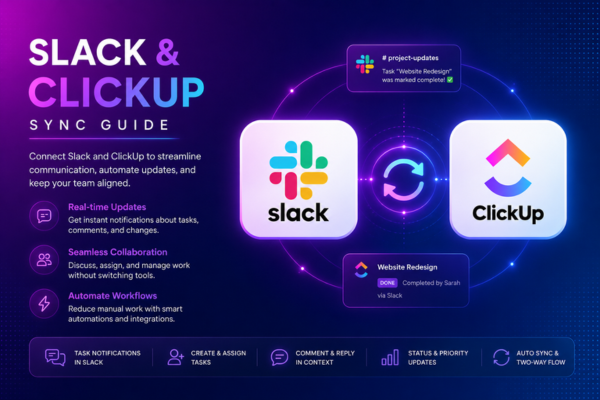
This is exactly the gap Dtech was built to close. Dtech is an AI consulting firm and Diamond ClickUp & Anthropic partner that designs and optimizes how a business actually works—the processes, the workflows, the automation—and only then implements it with the AI tools it knows best: ClickUp for the work, and Claude for the intelligence. As the team puts it, the tool is never the point; the result is.
In practice, that means:
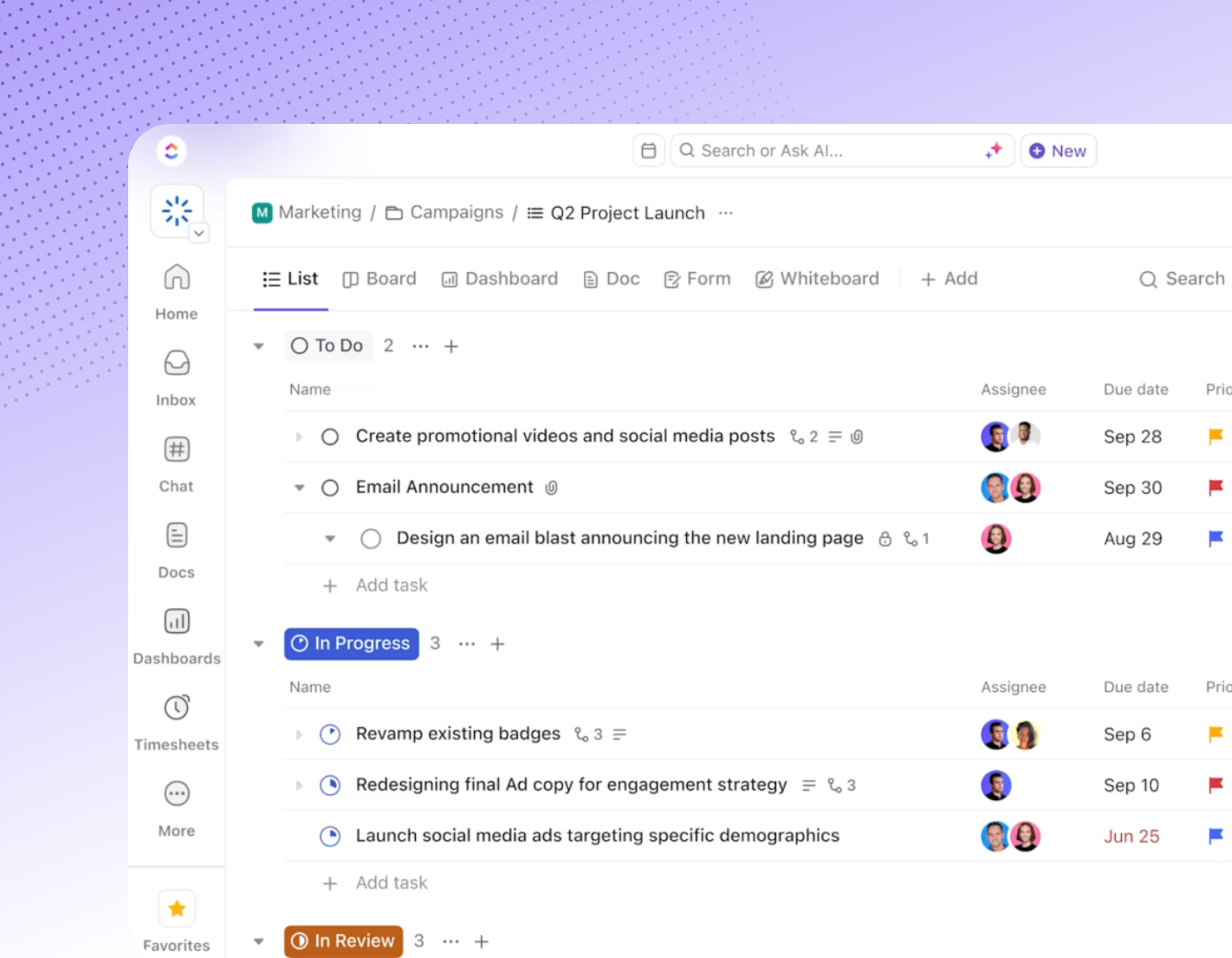
- Consolidating the stack first. ClickUp replaces 20+ disconnected apps — tasks, docs, chat, dashboards, and reporting — into one workspace, so any AI tools layered on top see the whole picture instead of a fragment of it.
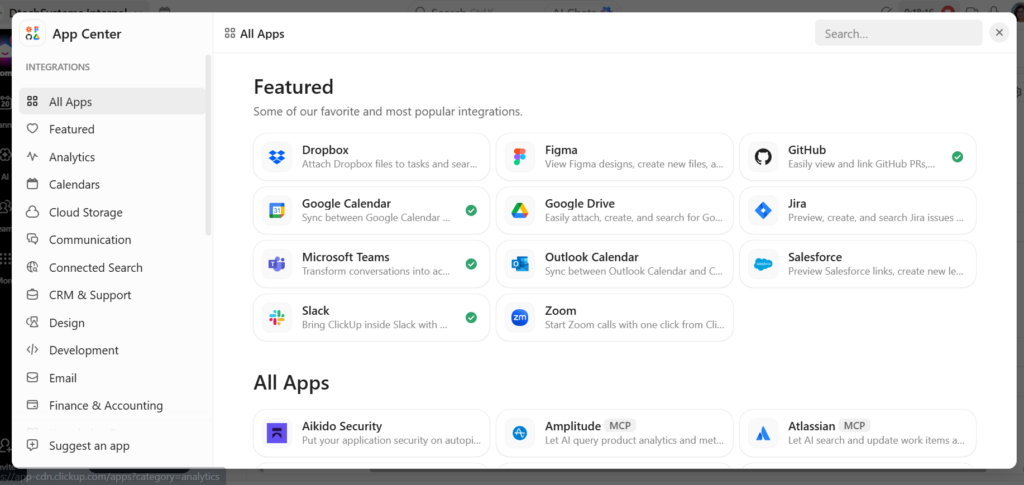
- Grounding Claude in your real work. Rather than bolting on a generic chatbot, Dtech wires Claude into your actual tasks, docs, and decisions, so it drafts updates, triages requests, and answers questions from your operational record — not the public internet.
- Treating adoption as the deliverable. Every engagement runs Business Consulting → Implementation → Adoption → Support, with live coaching on real work until the new process becomes habit, not just another set of AI tools nobody opens.
- Proving it before scaling it. Dtech starts with one free hour on one real workflow. If it works, teams ask for more; if it doesn’t, they stop—which is a useful bar for judging any AI tools vendor.
With 200+ projects delivered, 13+ years operating, a 4.8 rating on Clutch, and native bilingual (English/Arabic) delivery across Riyadh and London, Dtech’s position is straightforward: buying AI tools is easy, landing them is the hard part.