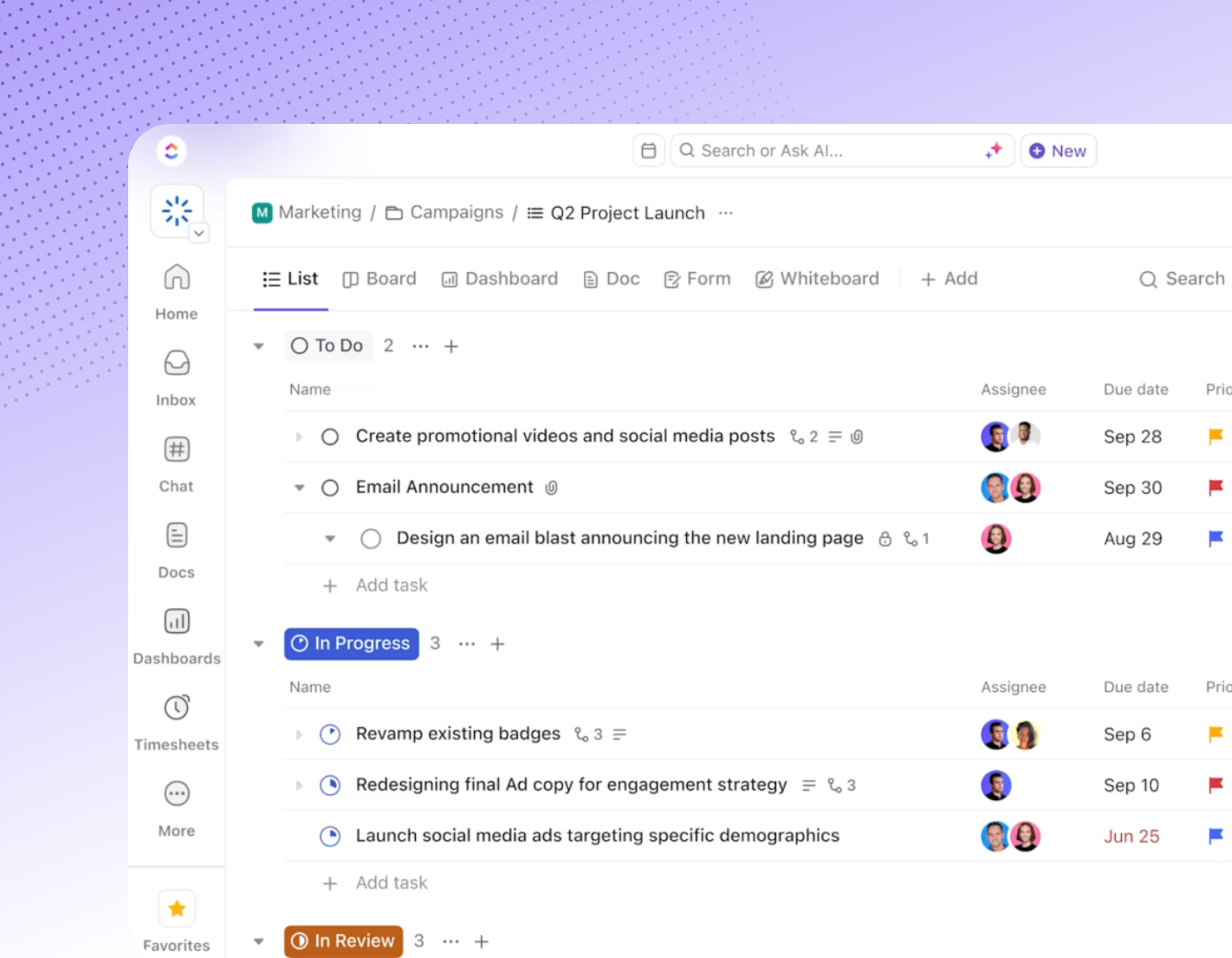
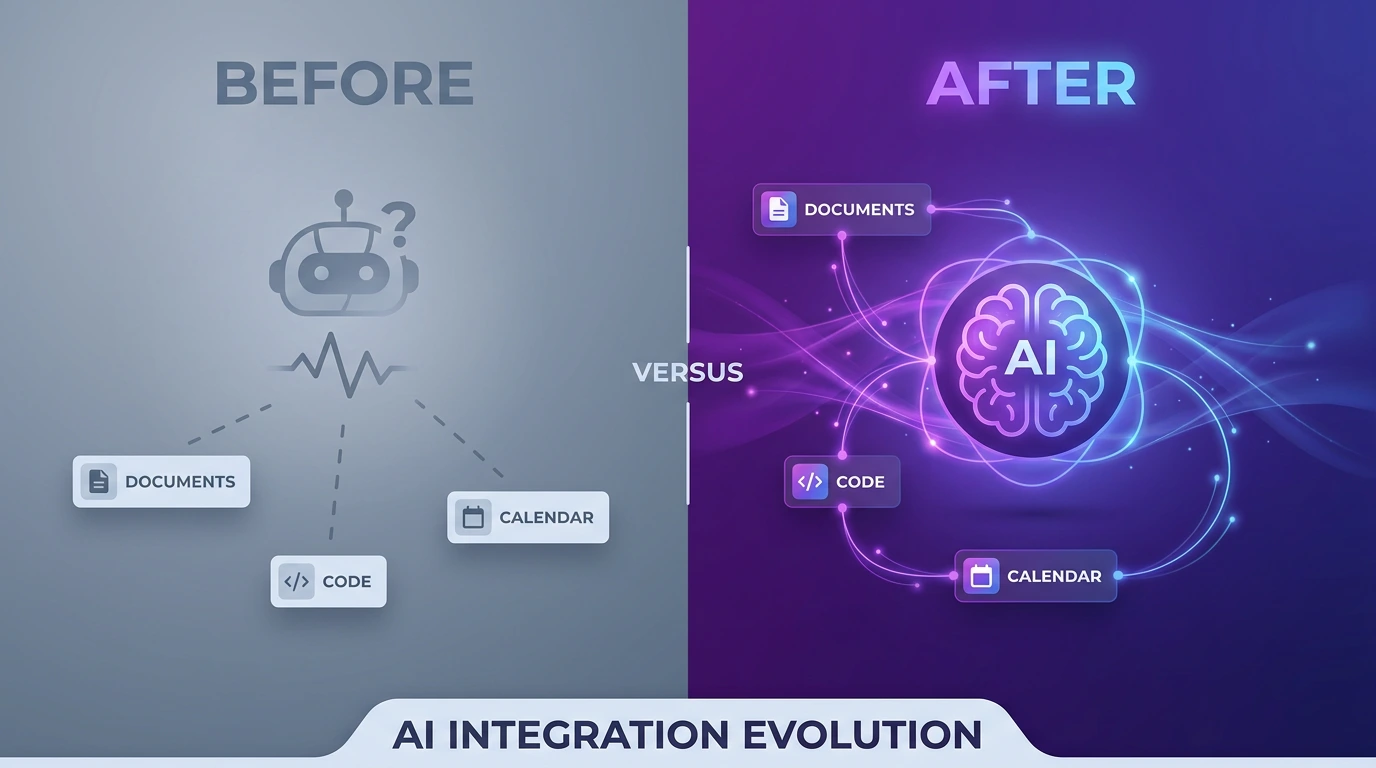
Quick Answer: ClickUp AI is the built-in artificial intelligence layer inside the ClickUp workspace — known officially as ClickUp Brain — that drafts content, summarizes meetings, automates tasks, and answers questions using context pulled directly from your tasks, docs, and chats. As of mid-2026, ClickUp AI runs on a rebuilt engine called Brain 2, which adds persistent memory and automatically routes each request to Claude, GPT, or Gemini depending on the job. If you only read one paragraph on this page, that’s the answer: ClickUp AI is not a bolt-on chatbot, it’s an AI system embedded across the entire ClickUp platform, and in 2026 it became one of the most capable AI layers built into any project management tool.
How ClickUp AI Works Inside Your Workspace
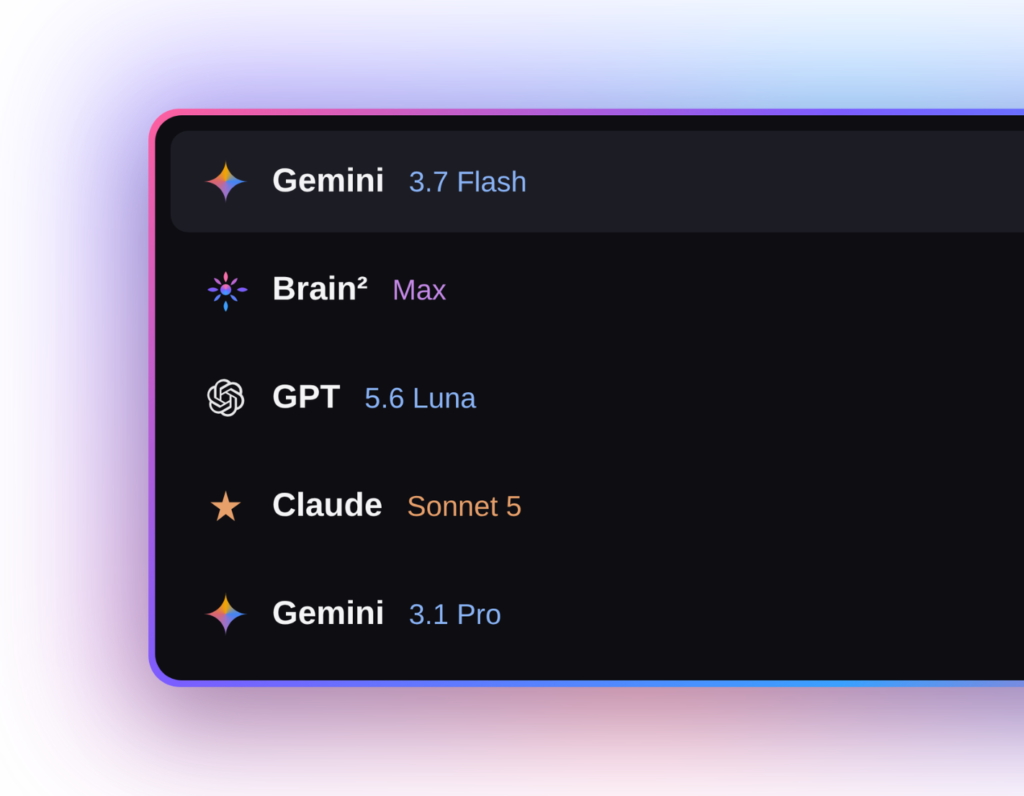
The engine behind ClickUp AI changed significantly in 2026. ClickUp’s biggest release of the year landed in June with Brain 2, a rebuilt AI platform that replaces the original Brain system, pulling context from every task, doc, decision, and conversation in a workspace before routing queries to Claude, GPT, or Gemini depending on what the work demands. That routing happens automatically — nobody on the team has to decide which model handles which request.
ClickUp AI Memory and Personalization
One of the biggest complaints about the original assistant was that every session started from zero. Brain 2 changed that by adding persistent memory: tell it once how your team writes a status update and it keeps writing them that way, and correct its tone once and the correction sticks. For teams evaluating ClickUp AI specifically for documentation and reporting, this is the feature that matters most — it reduces the repetitive re-prompting that made early AI writing tools frustrating to use daily.
ClickUp’s AI Meeting and Task Automation
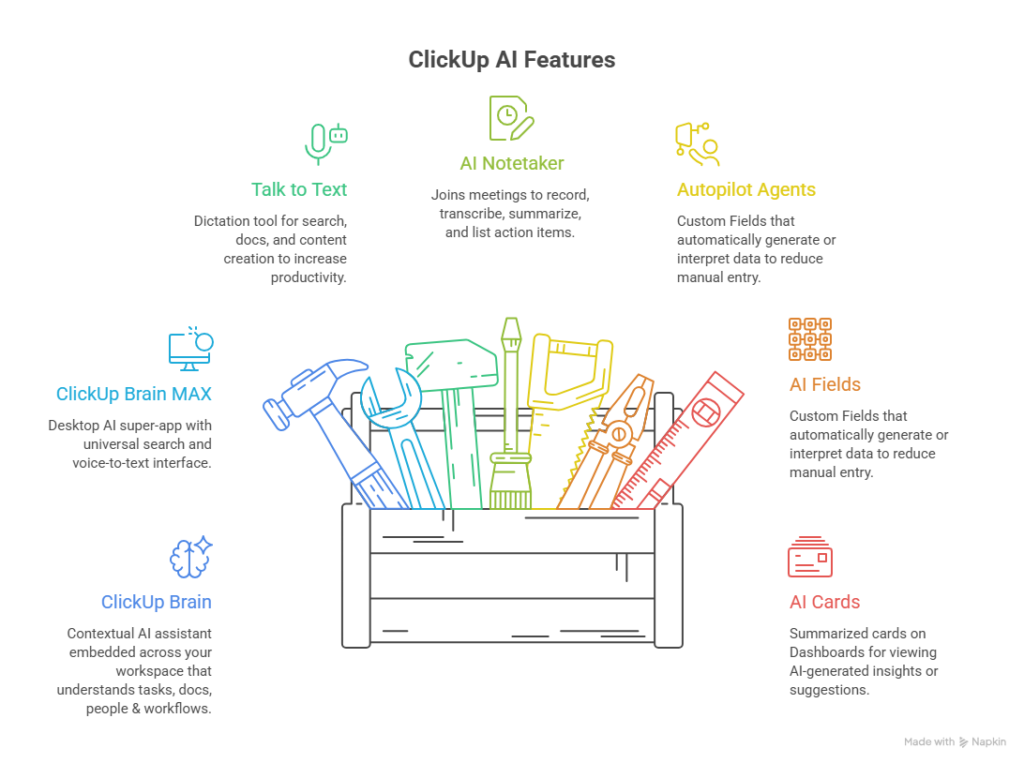
Beyond writing, ClickUp AI extends into meetings and task management. The platform offers an AI Notetaker for automatic meeting transcription, SyncUps for built-in video calls, and Autopilot Agents that handle repetitive tasks like answering routine questions, delivering standups, or reporting on progress. ClickUp also introduced Super Agents in its 4.0 release—personalized AI teammates that understand your work, use tools, and collaborate like humans, built to automate tasks and manage emails and calendars with audit logs for security.
Key ClickUp AI Features in 2026
The current feature set of ClickUp AI spans four broad categories:
- Writing and documentation — drafting docs, briefs, and project documentation from workspace context
- Summarization — task summaries, AI Notetaker meeting transcripts, and thread recaps
- Automation — Autopilot Agents and Super Agents that route, tag, and prioritize work
- Cross-workspace answers — asking a question and getting a response grounded in your own tasks and docs rather than the open internet
Brain 2 also generates finished slide decks, dashboards, and working apps from a single prompt, and ClickUp launched Brain MAX, a standalone mobile app for working with Brain 2 outside the main workspace. This is a meaningful shift for ClickUp AI: it’s moved from “assistant that helps with a task” toward “system that can build parts of the workspace itself.”
The Only Problem ClickUp’s AI Doesn’t Solve is Adoption
This is the part most reviews skip. Buying a ClickUp AI seat takes minutes. Getting a team to change how they write updates, run meetings, and manage tasks takes considerably longer, and the data on AI adoption generally is not encouraging. Only around 12% of employees use AI daily according to Gallup, roughly 5% of enterprise AI pilots deliver measurable results, according to MIT research; and about 70% of broader digital transformations miss their stated objectives according to McKinsey. Teams also lose an estimated 60% of working time switching, searching, and syncing across disconnected tools—the exact fragmentation ClickUp AI is designed to remove barriers, but only if people actually adopt the workflow around it.
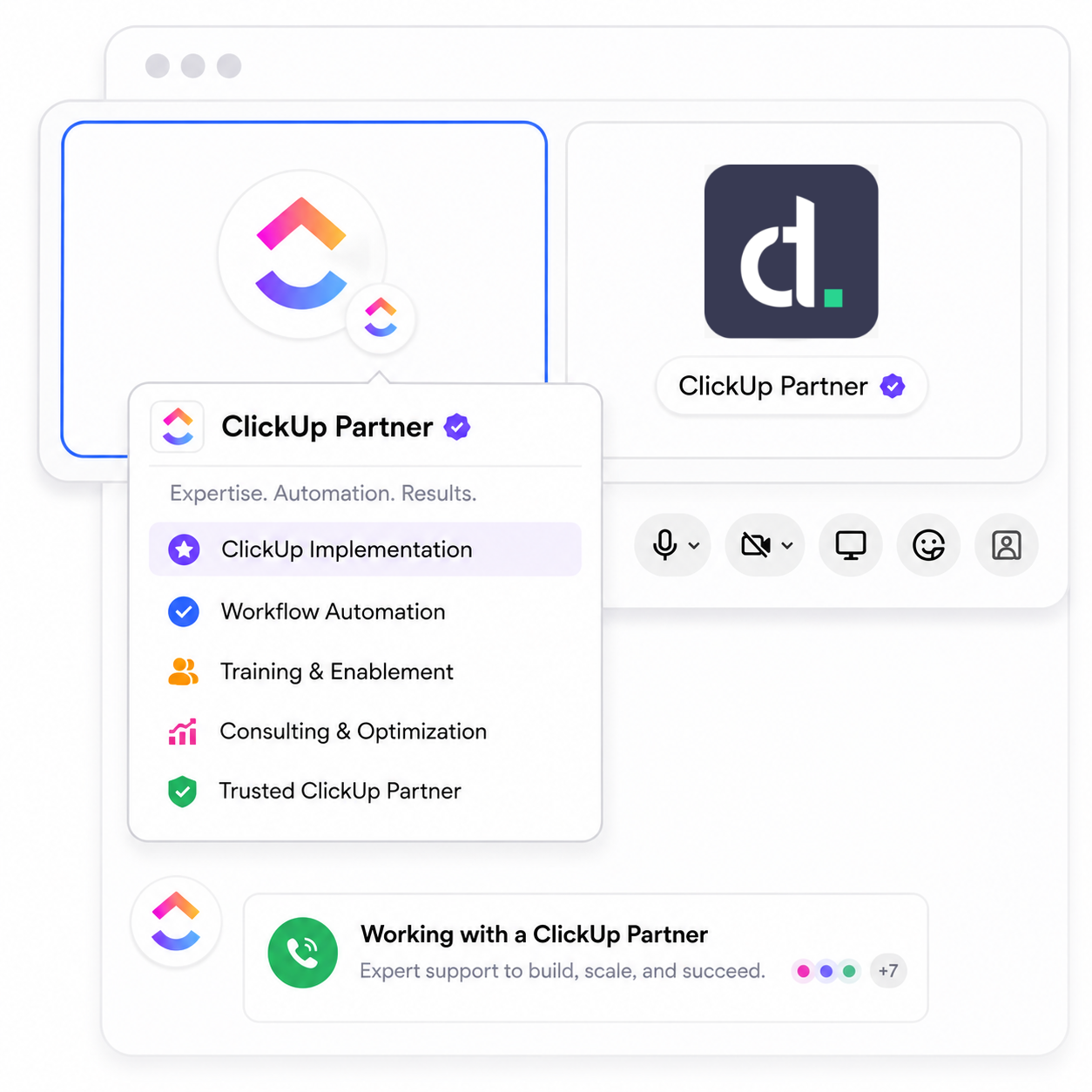
In other words, the tool being powerful doesn’t guarantee the habit forms. That gap between “we bought ClickUp AI” and “our team runs on ClickUp AI” is where implementation partners earn their place.